Today
One clear next step each day, not a long syllabus.
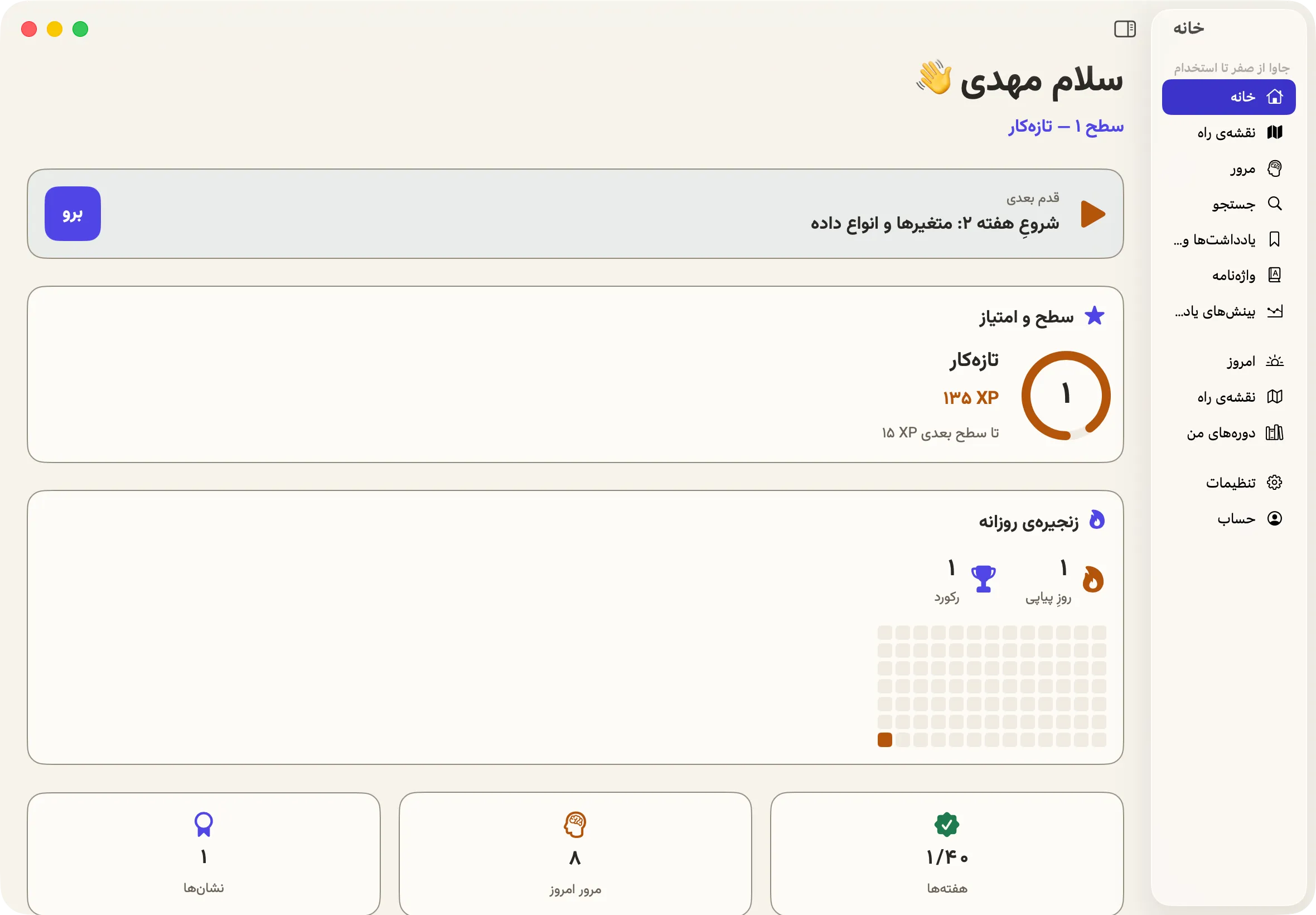
Every course is phased: lessons, exercises, quizzes, and spaced review.
Connect your own model key, or use our managed service.
All of it lives in the app. No browser tab, no separate files.
One clear next step each day, not a long syllabus.
Explanation, code example, and program output, inside the lesson.
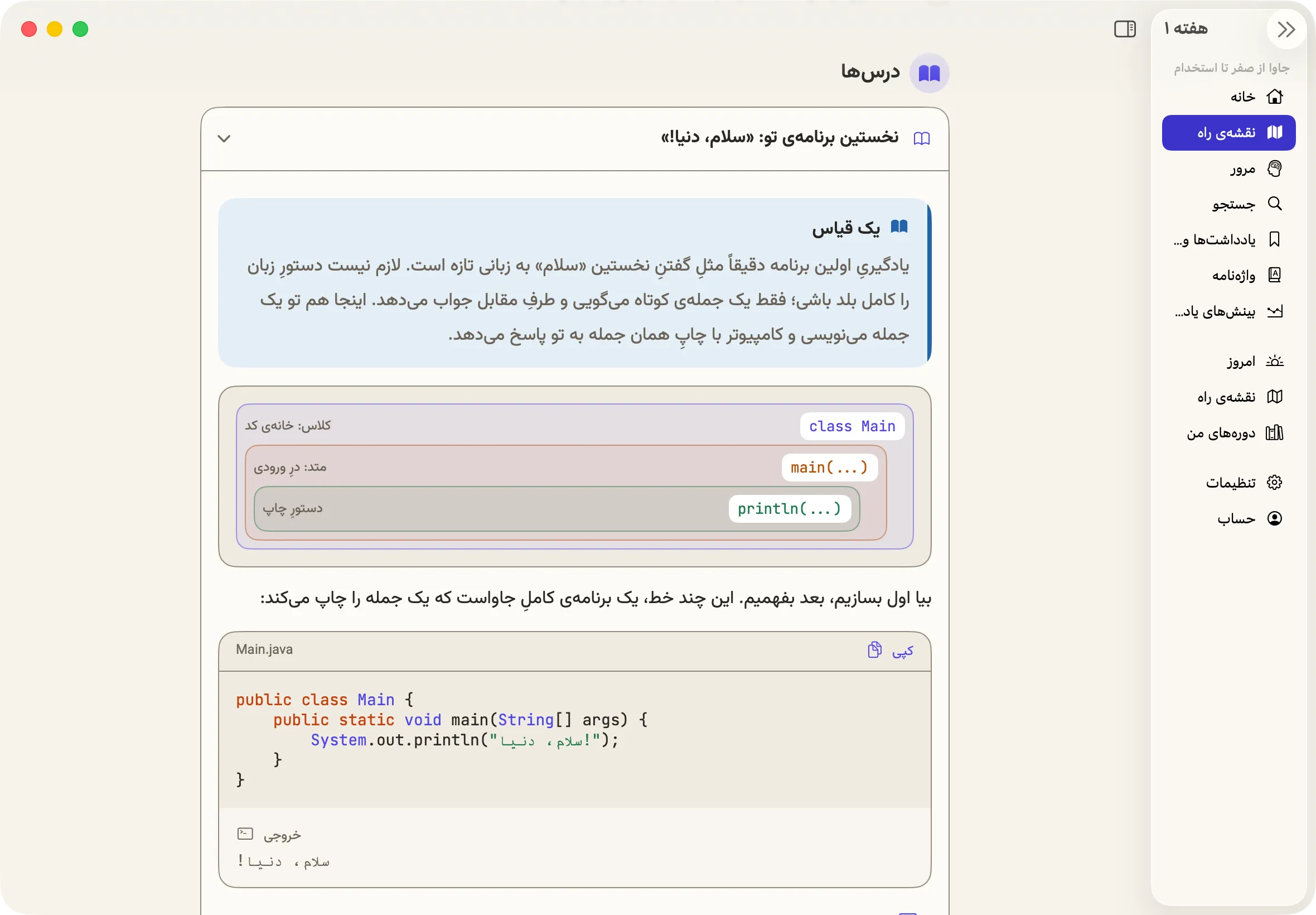
Answer, then see why it was right or wrong.
Spaced repetition goes after what you are about to forget.
One place to search lessons, glossary, and quiz questions.
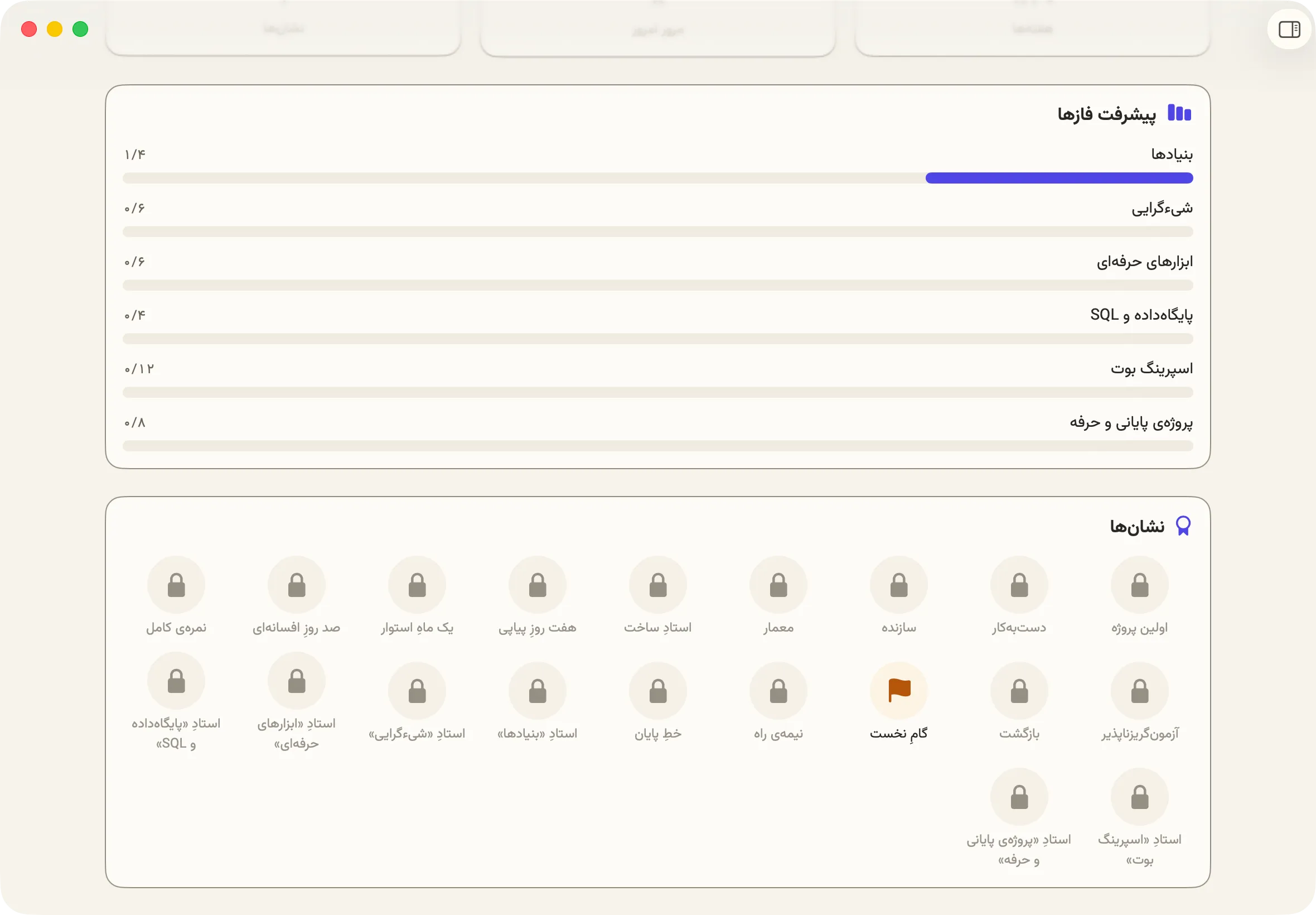
How far each phase has come, and what is still locked.
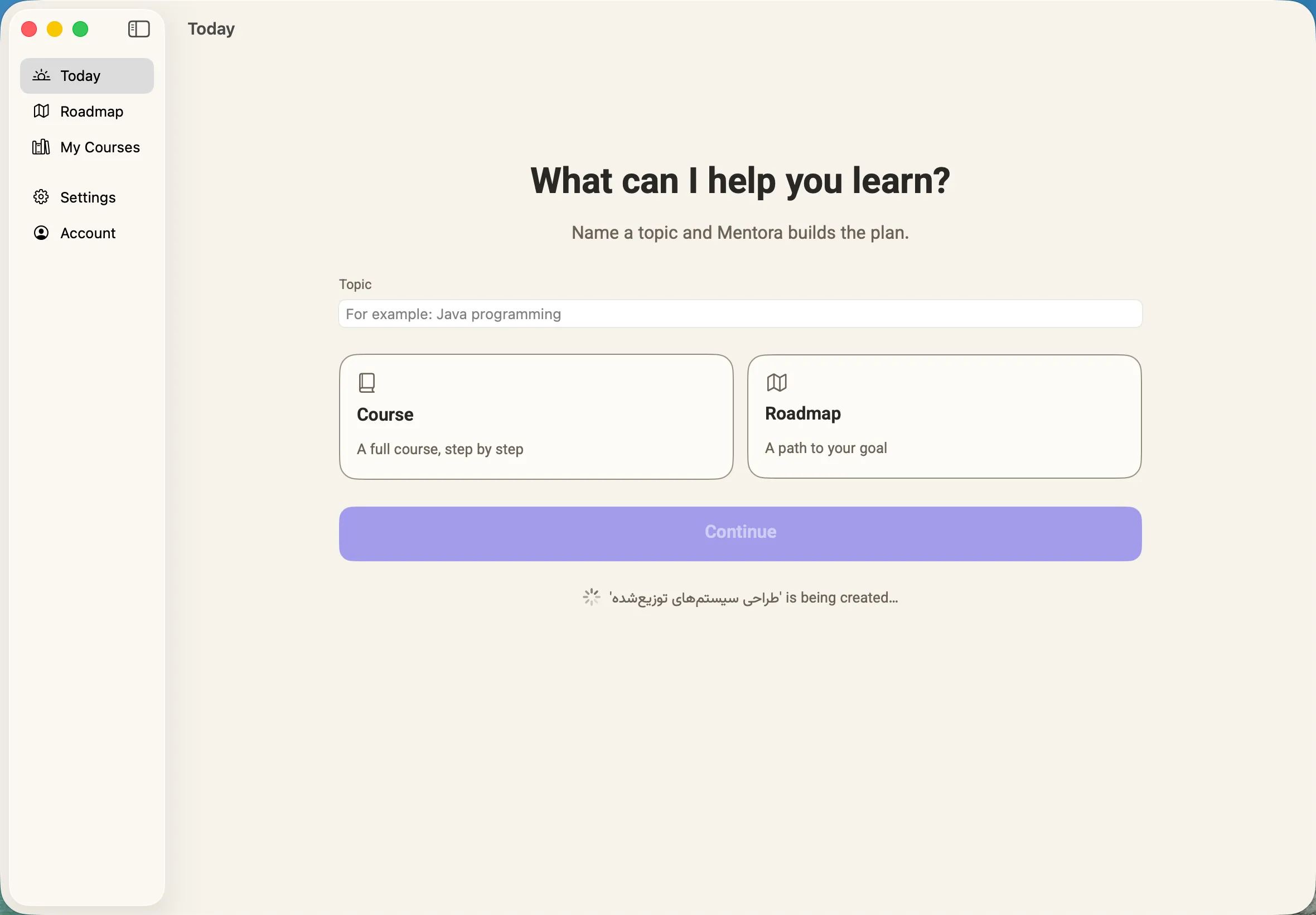
You see and approve every AI proposal before it is applied.
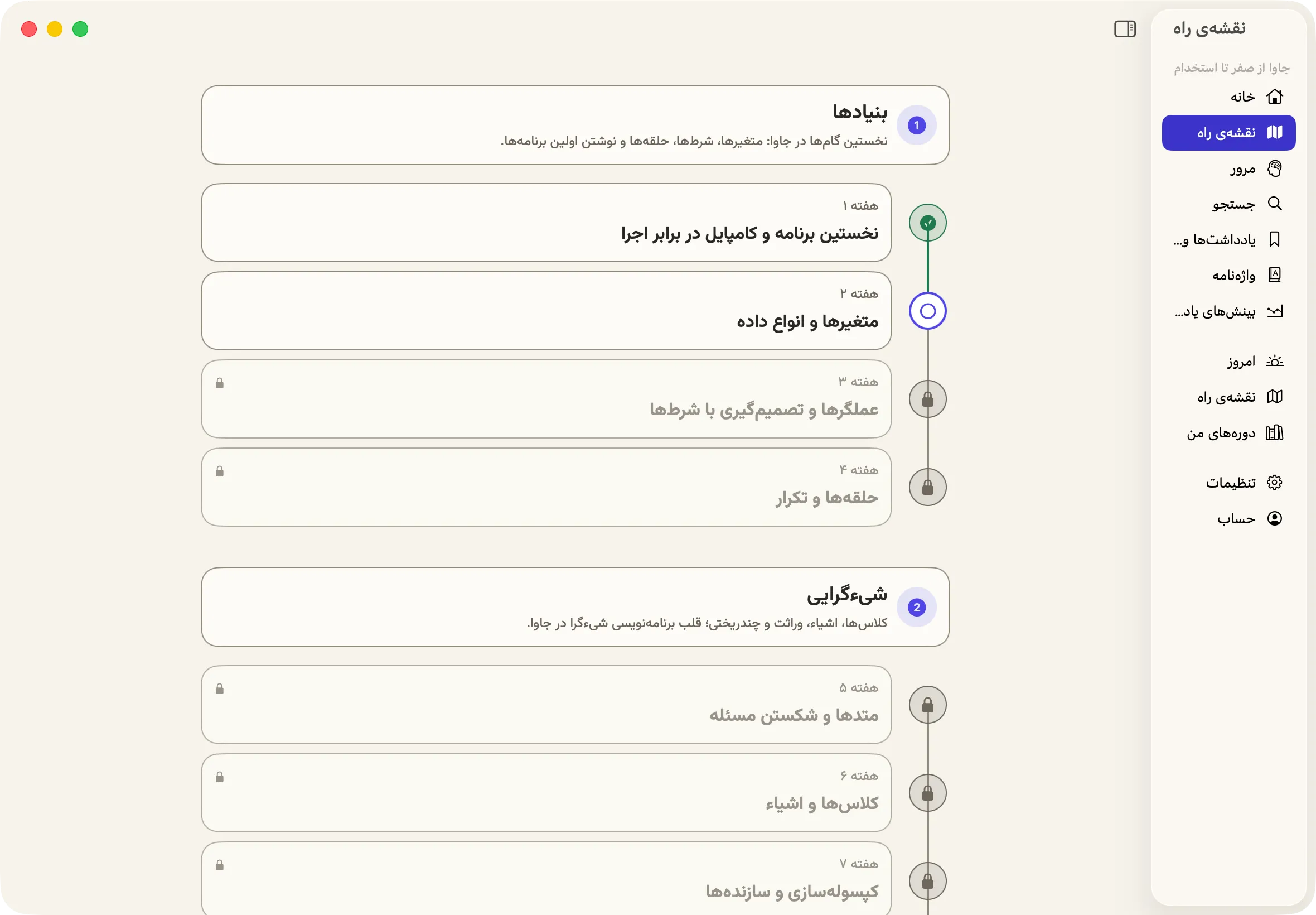
One engine, four domains. The course structure is the same in all of them.
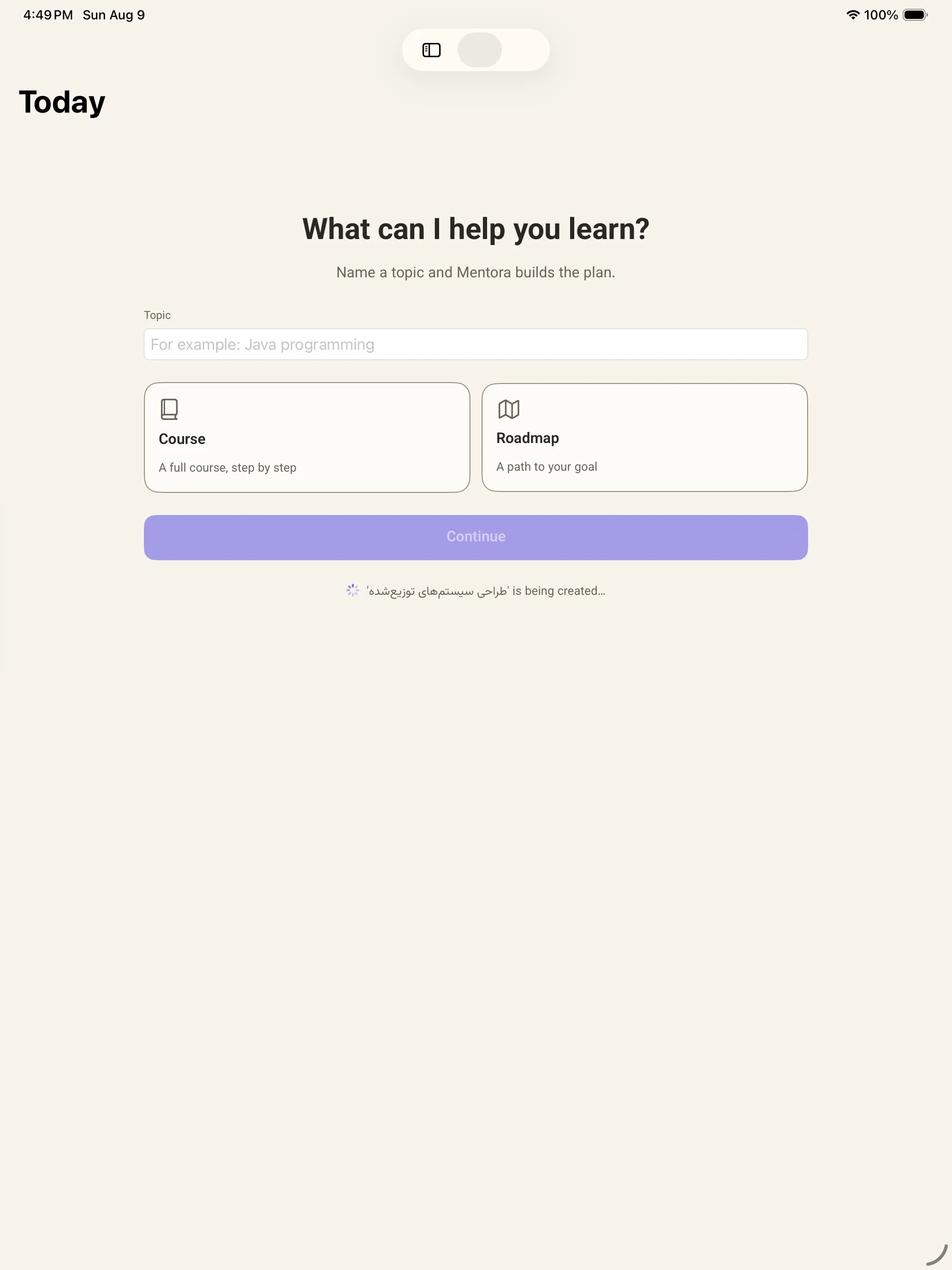
From programming fundamentals to distributed-systems design.
UX, interaction, and visual fundamentals.
From basic statistics to applied analysis.
Vocabulary, grammar, and conversation practice.
A web version is coming, on the same account and the same courses.
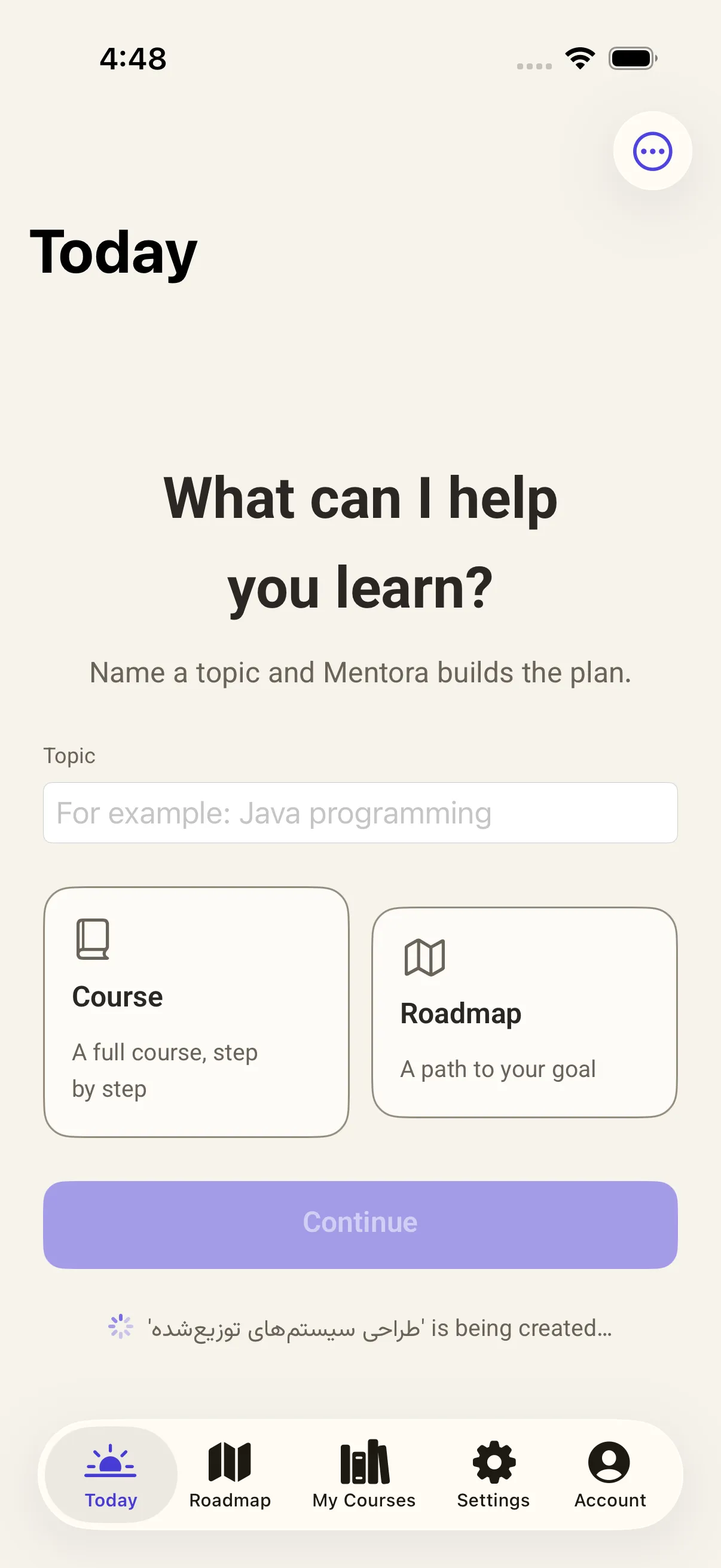
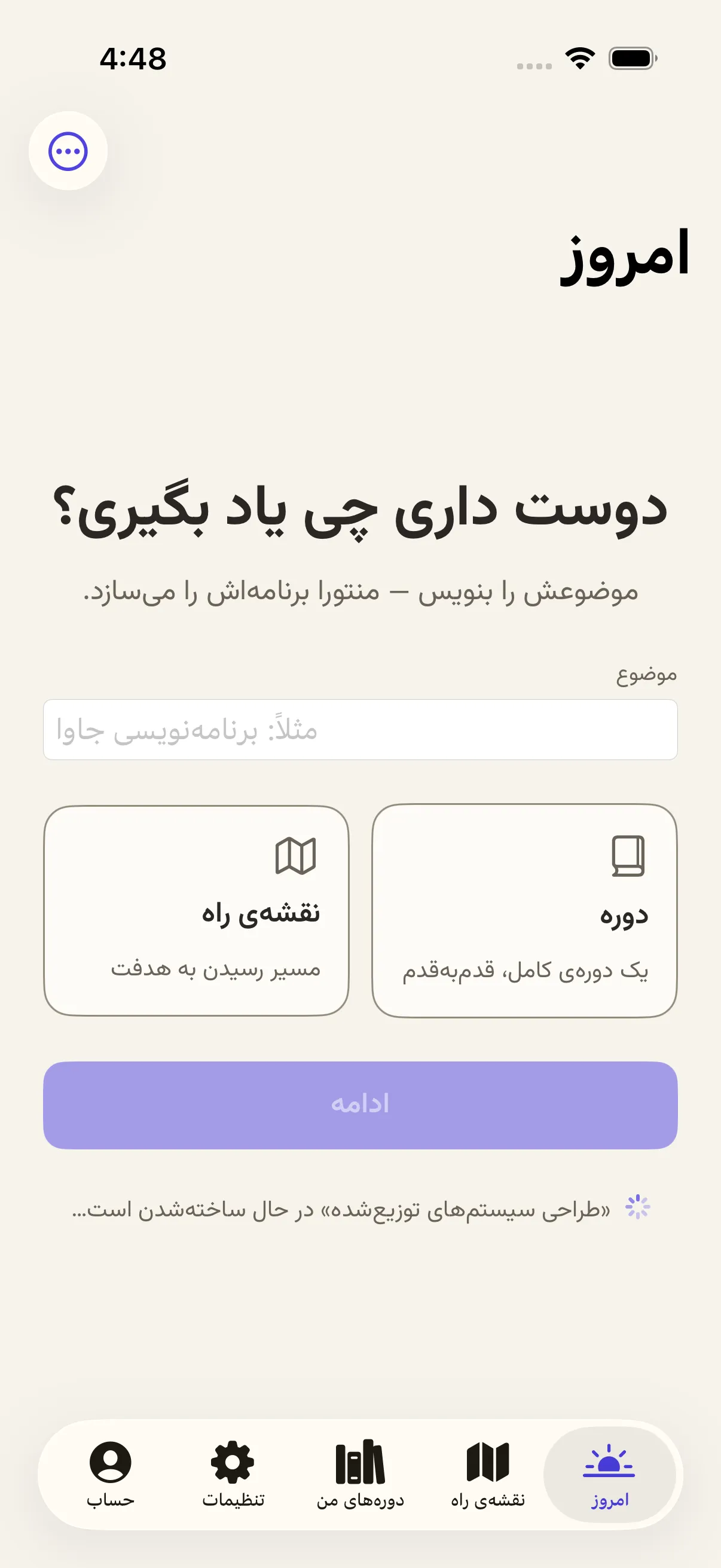
The same screen, in two languages.
The alpha is invite-only. Requests are reviewed in the order they arrive.